The same electric bike family name can cover different frame options and equipment packages. Your campaign can show carrying equipment and a particular frame arrangement while its destination prices another package. A customer sees plenty to like, yet still can't tell which details belong to the order.
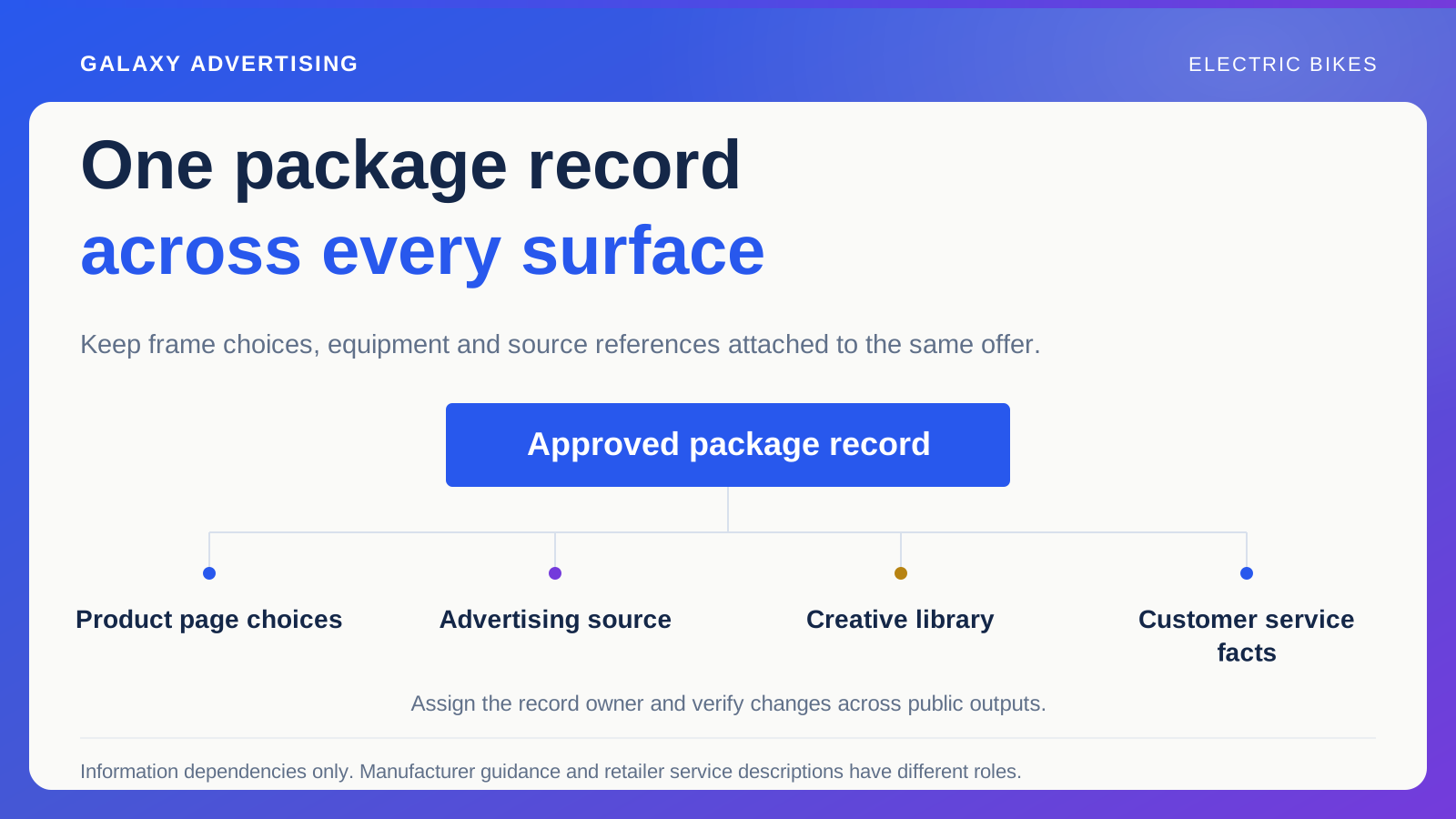
The answer isn't simply a longer page. You need a dependable package record that marketing, merchandising and customer service all use to describe the same offer. Preserve the distinctions that affect a purchase, then give people a usable route to the facts they need.
Identify the item before describing its benefits
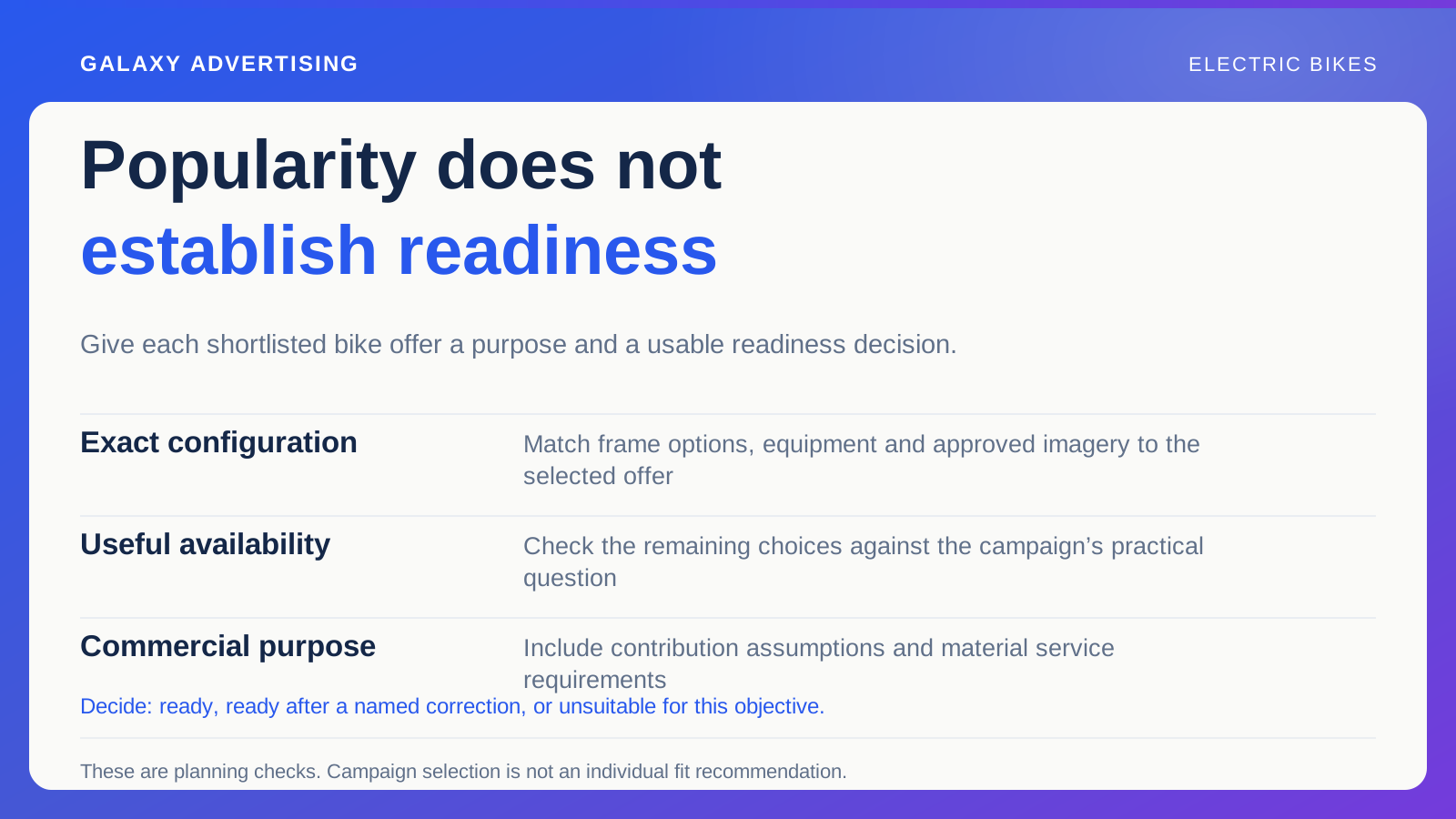
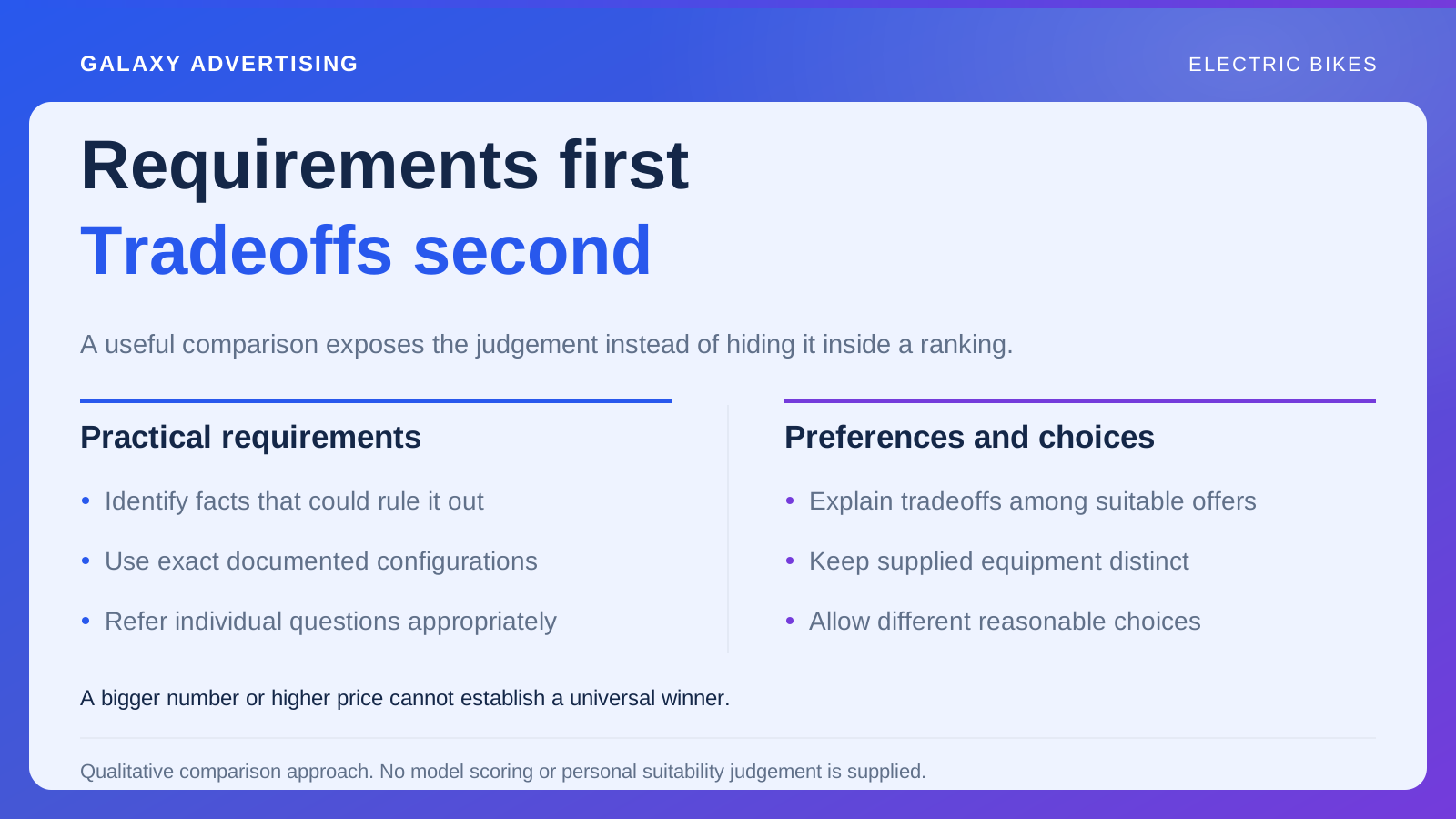
Use your stock reference and relevant manufacturer model information to distinguish the configuration. A shared family name doesn't establish identical equipment, frame choices or other characteristics. Familiarity can make the difference feel obvious internally while leaving a buyer none the wiser.
Record which item the creative shows. Where a supplier provides similar images, label the approved reference. An editor shouldn't have to recognise every difference by looking closely and hoping their interpretation is right.
Keep the public name readable alongside useful identifying detail. Customers don't need to learn your internal coding system. They do need to establish whether this is the model and package they arrived to investigate. The record should support that clear public description rather than replace it with an unexplained code.
Make included equipment distinct from the scene
List what the order includes. Separate optional additions and styling objects. A photograph can imply a complete arrangement even when the price buys a smaller package. The written list and visual need to help someone understand the same offer.
In a hypothetical commuting scene, a bag, carrying accessory or other visible object shouldn't silently join the package. Decide how the advert and destination will make its role clear. The distinction belongs where the expectation is being formed.
Don't expect a long general disclaimer to correct a dominant visual impression. If the image repeatedly suggests equipment absent from the quoted price, revise the presentation. A customer shouldn't have to reconstruct your production brief or contact the shop simply to discover what they're being offered.
Keep a source behind the specification
Use manufacturer information for the exact model. Preserve relevant conditions when explaining performance or other technical characteristics. A broad guide shouldn't turn a qualified specification into an unconditional promise because the shorter claim reads more smoothly.
Record the reference behind important statements so later editors can check them. When supplier records conflict, identify the uncertainty and ask someone with appropriate product knowledge to resolve it before the claim spreads through more assets.
Let customers reach detail relevant to their decision. Plain explanations and original technical information can sit together. You don't have to choose between unexplained abbreviations and promotional wording that strips away the conditions needed to understand the bike. Both clarity and source detail have a job to do.
Keep each choice connected to its facts
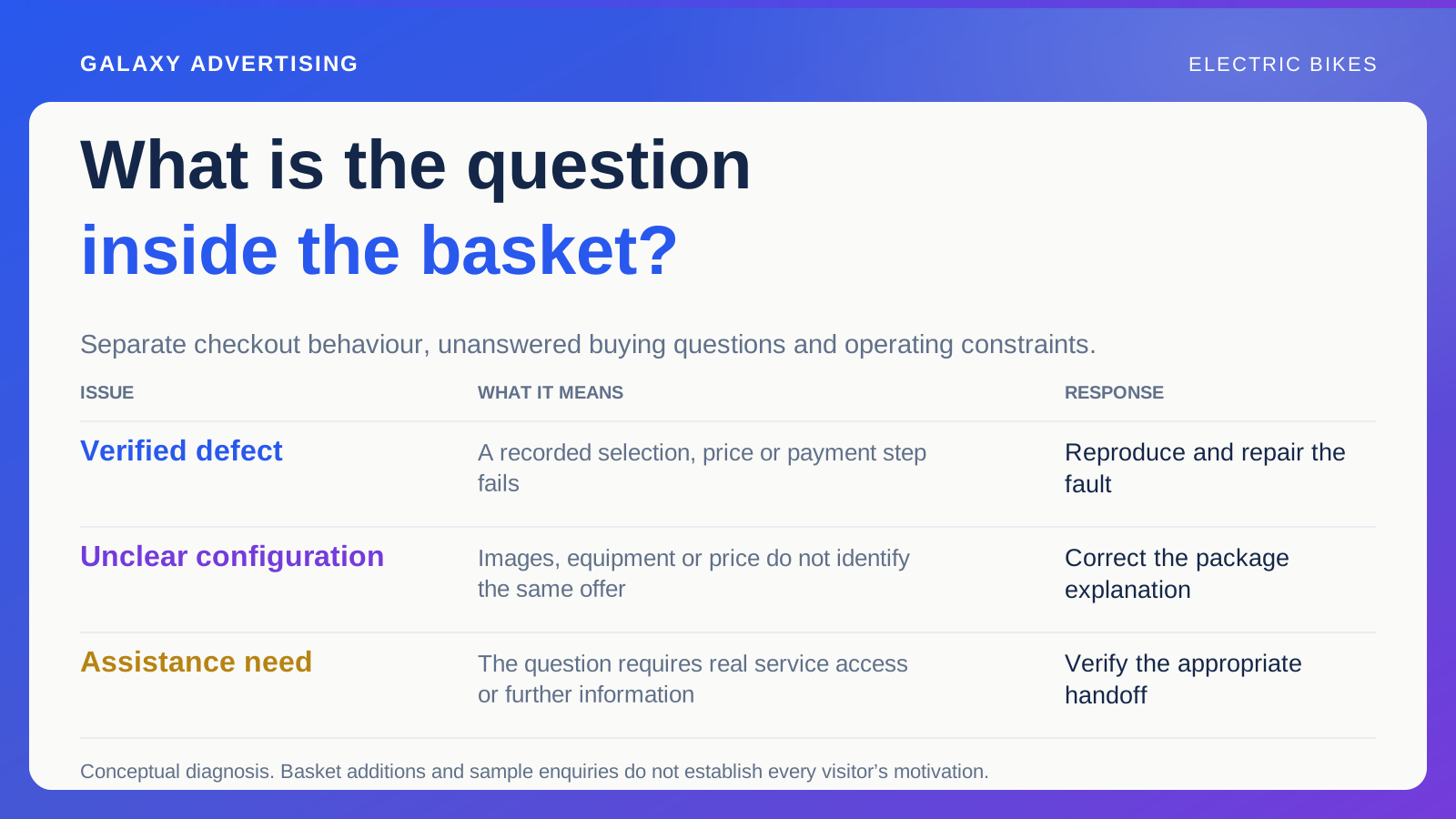
Label available options clearly. Images, prices and stock should stay connected to the selected configuration. Changing an option shouldn't leave someone looking at one package while another is being priced. Make the state of their choice intelligible.
Provide documented information and an appropriate assistance route for questions dependent on individual circumstances. A general selection guide shouldn't guarantee suitability for everybody who matches a broad description. Help people identify what still needs checking.
Test the controls on a phone. A selector can work technically while truncated labels or distant explanations make its choices difficult to interpret. The page should support a deliberate decision. Encouraging someone to guess and continue leaves the uncertainty attached to the order.
Put ownership information where it helps
Identify the manufacturer documents and retailer service information a customer might reasonably need before buying. Keep their roles clear. One explains the product; the other describes your own offer and assistance arrangements. They aren't interchangeable sources.
Don't improvise maintenance or use instructions in promotional copy. Direct the reader to documented guidance and qualified support where needed. Your marketing page can locate reliable information without pretending to replace that information itself.
Check that links remain accessible and concern the actual model. A general support homepage can be a starting point. Where you can verify and maintain the connection, identifying the relevant document more clearly can reduce uncertainty.
Review the written offer and image together in the same workflow. A corrected equipment list can still be confusing when the dominant photograph shows another package. Ask the approver to inspect both and identify which version was checked. The customer shouldn't be left resolving a disagreement between the picture and the details.
Give changes a route through every surface
Assign ownership of the package record. Describe how changes reach the website, advertising source and creative library. Editing a fact in one system doesn't establish that every public version now agrees. You need to verify the connection.
Use a sample to check the process. Change a documented package fact through the approved route, then inspect the relevant outputs. An outdated export or manual copy can otherwise keep putting the old error back into circulation.
Retain a short history of material changes. It helps answer questions about earlier versions and prevents later reviews judging past advertising against information available only afterwards. Keep the history useful for practical investigation, without creating administration for its own sake.
Ask someone unfamiliar to describe the offer
Invite a colleague who didn't prepare the copy to explain the package, choices and next step for an unresolved question. Their answer may expose a gap hidden by your team's knowledge of the range.
Start from the actual campaign reference as well as inspecting the page alone. The issue could sit between the scene in the advert and the option selected on arrival.
A buyer needs to recognise, question and purchase an identifiable offer. When the package stays coherent across that route, your advertising has something real and assessable to promote, rather than a collection of attractive details whose relationship the customer has to guess.