Can the summary that made one sofa page clearer accurately describe everything else in your catalogue? Fixed items, bespoke arrangements and optional services may not fit labels designed around that original sofa.
It is understandable to want a useful component everywhere immediately. The benefit does not automatically travel with the layout.
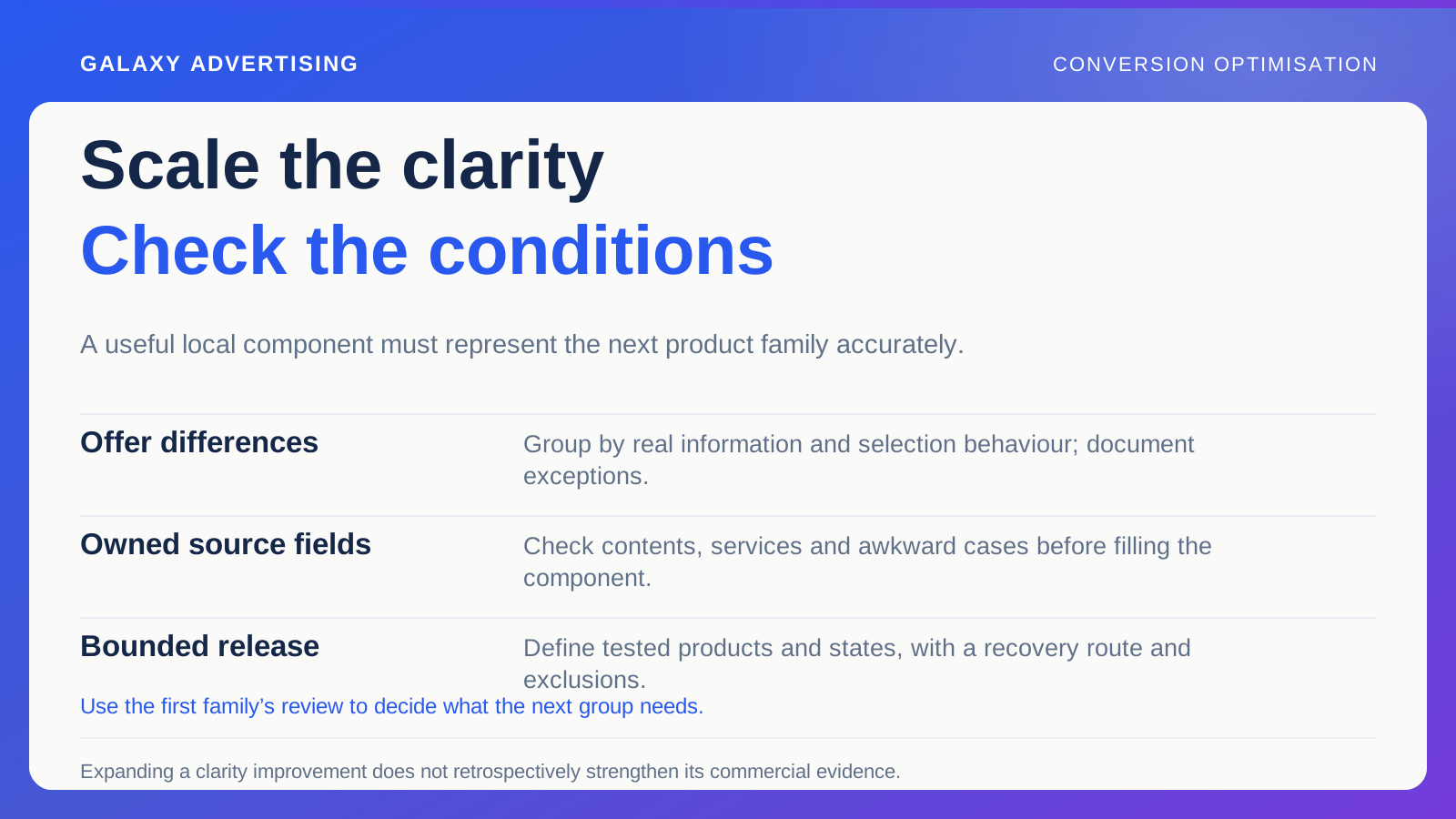
Scale the principle while checking the conditions that made it useful. Clearer package information could belong across the range, with different fields or presentation where the offer requires it. A controlled rollout helps prevent a local improvement becoming a wider source of inaccurate promises.
Identify the useful change before copying its shape
Describe the observed benefit and its limits. You might have made included components easier to identify for a particular configuration. That does not establish that the wording, layout and fields fit unrelated products.
Keep the causal claim at the level your evaluation supports. If you conducted a clarity review rather than a controlled commercial test, retain that description. Wanting to expand the work does not strengthen its evidence retrospectively.
Extract the principle in plain language. “Show what is included beside the relevant choices” leaves room to represent different offers accurately. “Copy this panel everywhere” is a much narrower instruction disguised as a broader solution. Agree which principle you actually want the next family to benefit from.
Group products by how their offers work
Look for families sharing genuinely similar information and selection behaviour. Useful distinctions include fixed versus configurable items, included versus optional services and standard versus specialist delivery.
Visual similarity is not enough. Two chairs may need different service explanations. A chair and a table could share the same straightforward selection pattern. Grouping needs to reflect the customer task and the facts behind it.
Document exceptions before building a universal component. Finding one during planning lets you handle it deliberately. Finding it after release could mean customers already have the wrong impression, with an urgent correction needed across several routes. Make those differences part of the design discussion while there is still time to account for them.
Inspect the information that will fill the component
Check the source fields and who maintains them. Package contents stored as inconsistent free text, or absent altogether, cannot reliably populate a clear summary just because the component is well designed.
Sample awkward cases, alongside well maintained pages. Include optional accessories, unavailable variants, meaning the chosen size, colour or configuration, and different service promises. These examples test whether the structure represents your actual range.
Plan data preparation separately from interface development. The code can be finished while the information remains incomplete. Naming that dependency helps prevent a release deadline creating pressure to publish uncertain claims. The question is whether the offer is ready to be represented, alongside whether the component is ready to render it.
Agree what happens when a fact is missing
Decide how the page handles absent required fields and unavailable combinations. You might omit an optional statement, provide a verified enquiry route or exclude the affected product from rollout until it is ready.
Avoid reassuring defaults that quietly broaden the promise. An empty assembly field should not become “assembly included” simply because that was correct for most products in the initial sample.
Give merchandising and support visibility of exceptions. Hiding every missing value can make the public page tidy while making incomplete records harder to detect internally. A simple presentation still needs a quality process capable of seeing what is missing. Otherwise the same uncertainty can remain hidden behind an apparently successful release.
Start with a family you can properly check
Choose a coherent group with ready source information and customer routes you can verify. It gives the team a manageable place to learn how the component behaves.
Define the boundary through templates, product references and configurations. Saying it is live on the furniture range can conceal different versions and untested exceptions. A precise boundary tells everybody what has actually been released.
Retain the previous implementation or another appropriate recovery route. Development should know how to respond if the component misrepresents an offer or disrupts selection. Reversibility is a practical part of release planning. It gives the team a response if needed without predicting that the new design will fail.
Check the routes used by advertising and support
Advertising and customer service may depend on the same descriptions and destinations. Tell the relevant teams what changed and which offer facts remain unchanged. Old explanations should not contradict the new presentation.
Inspect campaign links opening particular variants. A component could be clear in its default state but confusing when someone arrives through a configuration specific destination. Check the entry routes customers actually use.
Give support a concise explanation of the new journey. If enquiries change, they can help distinguish clearer information from a new source of confusion. Their observations can guide rollout without becoming a complete measure of commercial effect. Keep their practical insight useful without making it carry a stronger claim than it supports.
Keep exceptions as work you can manage
Record excluded products internally, with the reason for each exclusion. That prevents an item repeatedly re-entering the rollout while its information problem remains unresolved.
Review the record when source facts change. An exception is a specific dependency to manage. It should not become a permanent label excusing inaccurate presentation or an issue nobody expects to revisit. Keep the path towards a later decision visible.
Let the first family tell you what comes next
Use its review to identify what needs changing before the next group. That might be field preparation, wording, control behaviour or the shared component's scope.
Do not abandon a useful improvement merely because exceptions exist. Equally, forcing every product into one presentation to preserve a universal design can misrepresent the range. A small number of maintainable patterns could describe it more accurately.
The valuable thing to expand is the clarity the first change provided. Keep that customer task connected to real product differences, source responsibility and verification. Then the improvement can become a dependable part of the wider buying experience, instead of the same panel making different promises everywhere it appears.