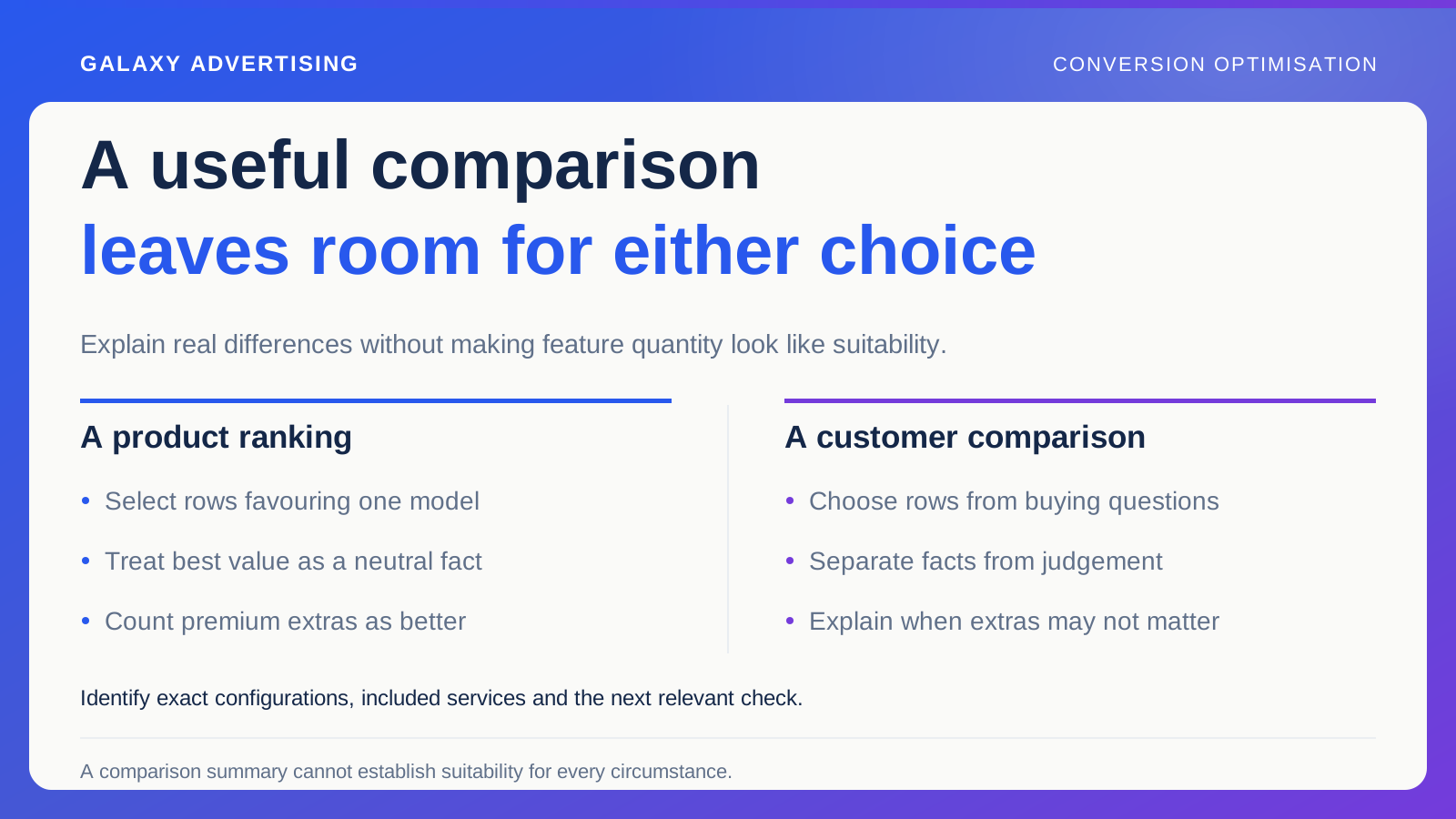
More features do not automatically make a product better for every buyer. A comparison table can give your most expensive model a tick in every column while crossing out features a customer with simpler requirements never needed.
It looks decisive. It may tell them very little about which product suits their task.
A useful comparison explains differences, what the offer includes and where further checking is needed. Its commercial purpose is a suitable purchase. Building an apparently objective ranking backwards from the product you most want to sell can get in the way of that decision.
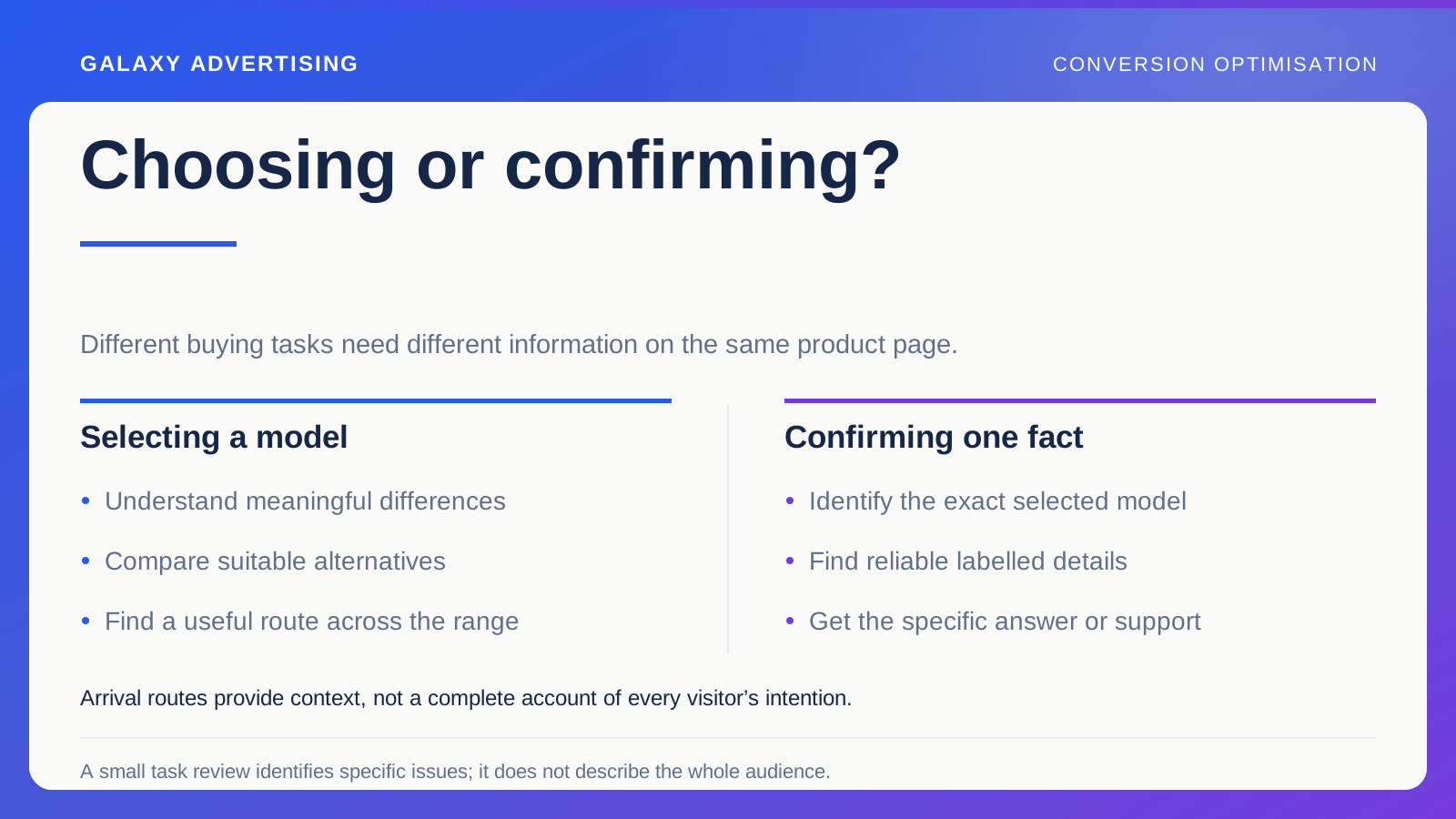
Start with the choice people are making
Collect the questions customers raise when comparing these models. They might concern dimensions, configuration, compatibility, included services or what a specification means in practice.
Distinguish exact product comparisons from a broad category overview. A general guide can explain your range. A model comparison needs precise records and current offers, because the detail carries more weight in the decision.
State the task the page supports. Is this a way to build a shortlist, or does it supply detailed facts for a final choice? The reader should not mistake a convenient summary for complete guidance covering every circumstance. Make the scope understandable before asking the table to do more than its information can support.
Give each row a reason to exist
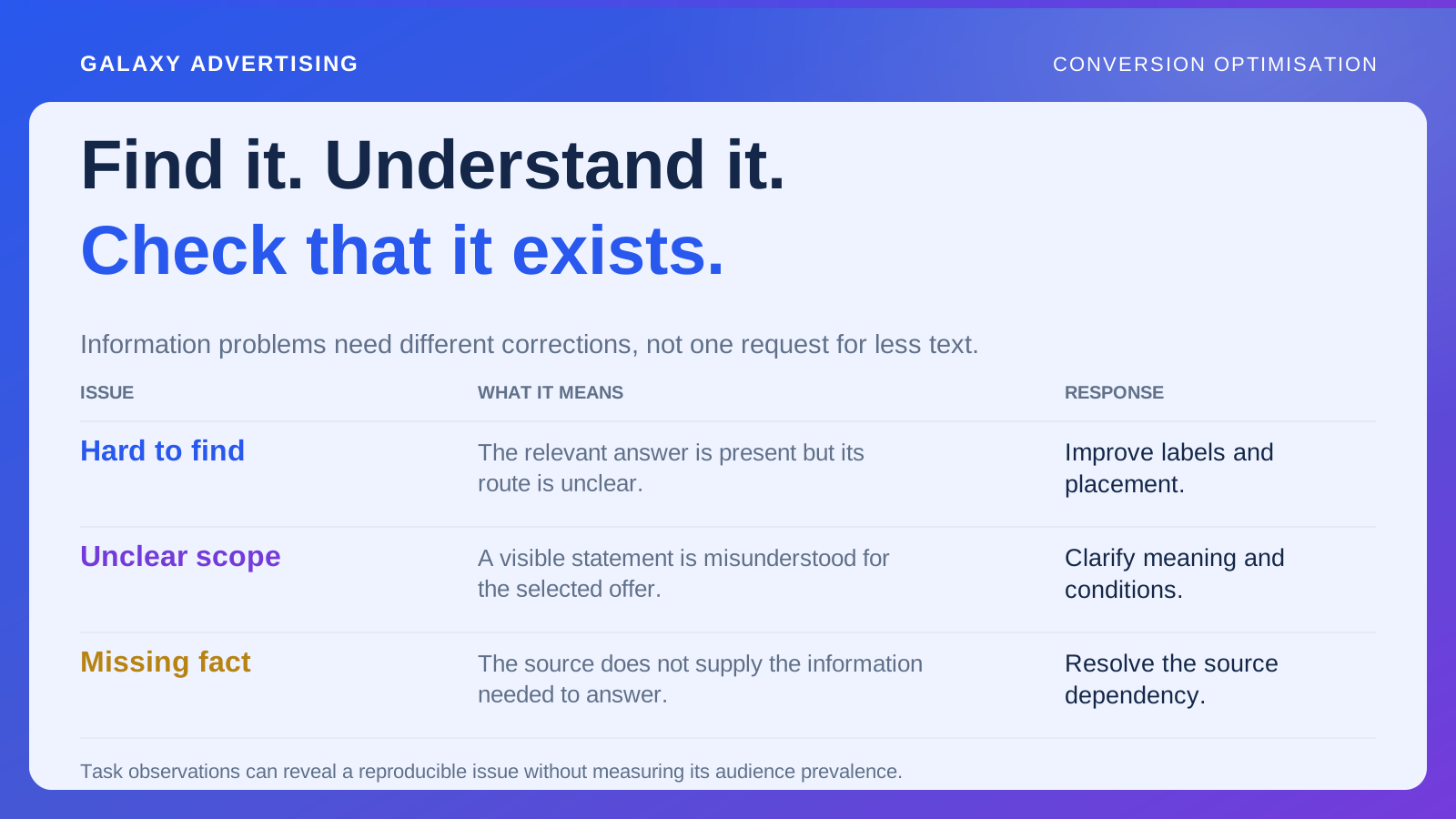
Ask what the row helps somebody establish. A technical number without an explanation can increase detail without increasing understanding. A plain description of its practical consequence may be more useful.
Do not choose attributes only because your preferred model looks strong against them. Consider requirements for which another model could be more suitable. A fair comparison makes those distinctions visible too.
Separate facts from editorial judgement. Dimensions and included components can have verified sources. “Best value” depends on assumptions about the buyer's priorities. Give it an explicit basis instead of styling it like a neutral measurement. Otherwise the table makes a judgement look like another specification.
Compare what each offer actually contains
Identify the exact model and configuration behind every image, price and specification. Similar product names do not establish that you are describing equivalent packages.
If prices appear, explain what each covers and show meaningful service differences. A lower headline price could refer to a smaller version or exclude an option visible in the photograph. The reader needs to know that before comparing the figures.
Some products simply serve different purposes. Avoid forcing them into false equivalence. A short explanation can preserve a meaningful distinction better than a tick, cross or unsupported rating squeezed into a cell. The table should make the difference intelligible rather than disguise it for neatness.
Explain why the difference could matter
Connect an attribute to a practical question without inventing universal suitability advice. Larger external dimensions might mean checking available space. A different connection specification could require checking the documented requirements of equipment someone already owns.
When model specific technical guidance is needed, direct the customer to appropriate manufacturer information or a qualified response. A superficial similarity is not a reliable basis for marketing copy to infer compatibility.
Keep the explanation proportionate. The comparison need not become a complete manual. It should explain why a distinction could matter and where to find dependable detail for further assessment. That gives the customer a useful next check without pretending the table can answer everything.
Try a pair that makes the design work harder
Choose two products that look alike but differ in an important practical condition. Ask a reviewer to explain a requirement favouring each option.
If the table cannot support an answer, inspect the attributes and wording. You might be describing prestige or feature quantity instead of the customer's real choice. A polished table can still leave the important difference obscure.
This is particularly revealing when a premium product has several extras. More capability can be worth paying for. It is not automatically better for every buyer. Your comparison should leave room for someone to decide that an additional feature does not justify the cost in their circumstances.
Carry the comparison into the next click
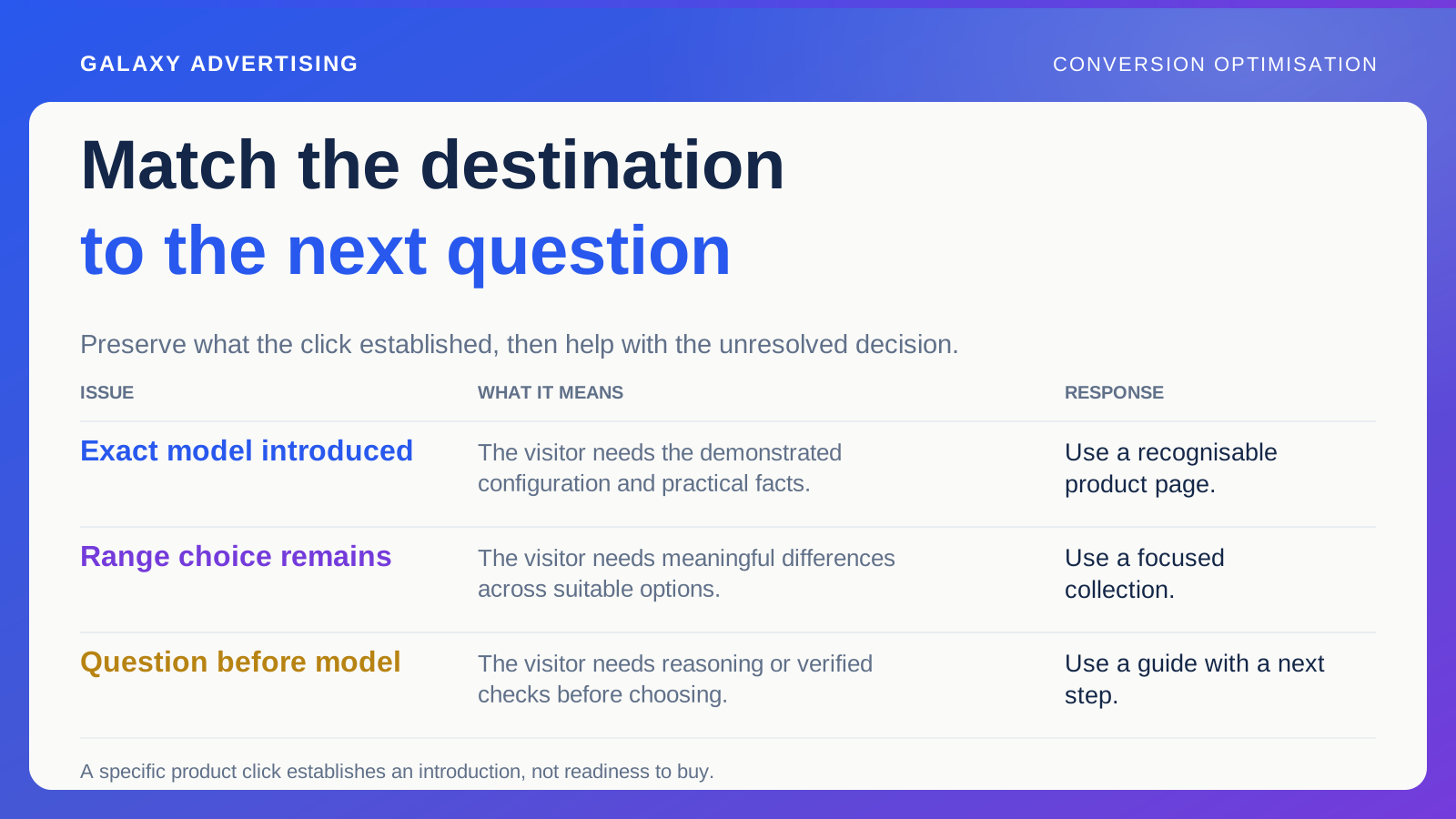
Link to the exact models or focused ranges you discuss. Customers should not have to search a broad catalogue and repeat the comparison to find the items behind the table.
Keep the relevant configuration identifiable after the click. If the destination silently defaults to another size, the price or dimensions may no longer match the entry. Even an accurate table then becomes difficult to use.
Provide a clear route for unresolved questions, with enough product context for the team to respond usefully. Keep verified general facts available directly. Nobody should need to contact support for every ordinary detail simply because the comparison route did not make it accessible.
Make the case for the cheaper model
Ask a reviewer for a legitimate reason somebody might prefer the less expensive model. If meaningful product differences exist but the table makes that answer impossible, revisit the attributes and editorial language.
You may be ranking feature quantity instead of helping a household or business match a requirement. A fair comparison can identify valuable premium capability while explaining when it is unnecessary or needs further checking.
Keep the model records beside the review so the discussion stays grounded in actual offers. This catches a subtle bias: a table designed to make one item win can look more objective than promotional copy while helping less. The correction is a clearer choice, rather than an automatic recommendation of the cheapest product.
Maintain the comparison with the offer
Assign ownership of product records, source updates and dependent links. One changed model can make the comparison misleading even when most of the page still looks familiar.
Before using it as a campaign destination, review relevant stock and service changes. A strong route can become commercially unsuitable when its options are no longer available on the stated basis.
Use task observations and relevant customer questions to assess usefulness before making stronger claims about sales effect. An intelligible comparison lets someone explain their choice through accurate facts. Sometimes the most useful conclusion is that they do not need to pay for the extra feature.