What if your appliance page gives a shopper a family name in the heading, a longer identifier in the specification table and a photograph from a similar model? Each looks plausible. Together they make it difficult to know which item the price describes, or which document to consult.
Adding more persuasive copy will not settle that uncertainty. The page needs one coherent product identity first. Once a statement can be traced to the actual appliance, advertising, comparisons and customer support have something dependable to work with.
Start with the full product reference
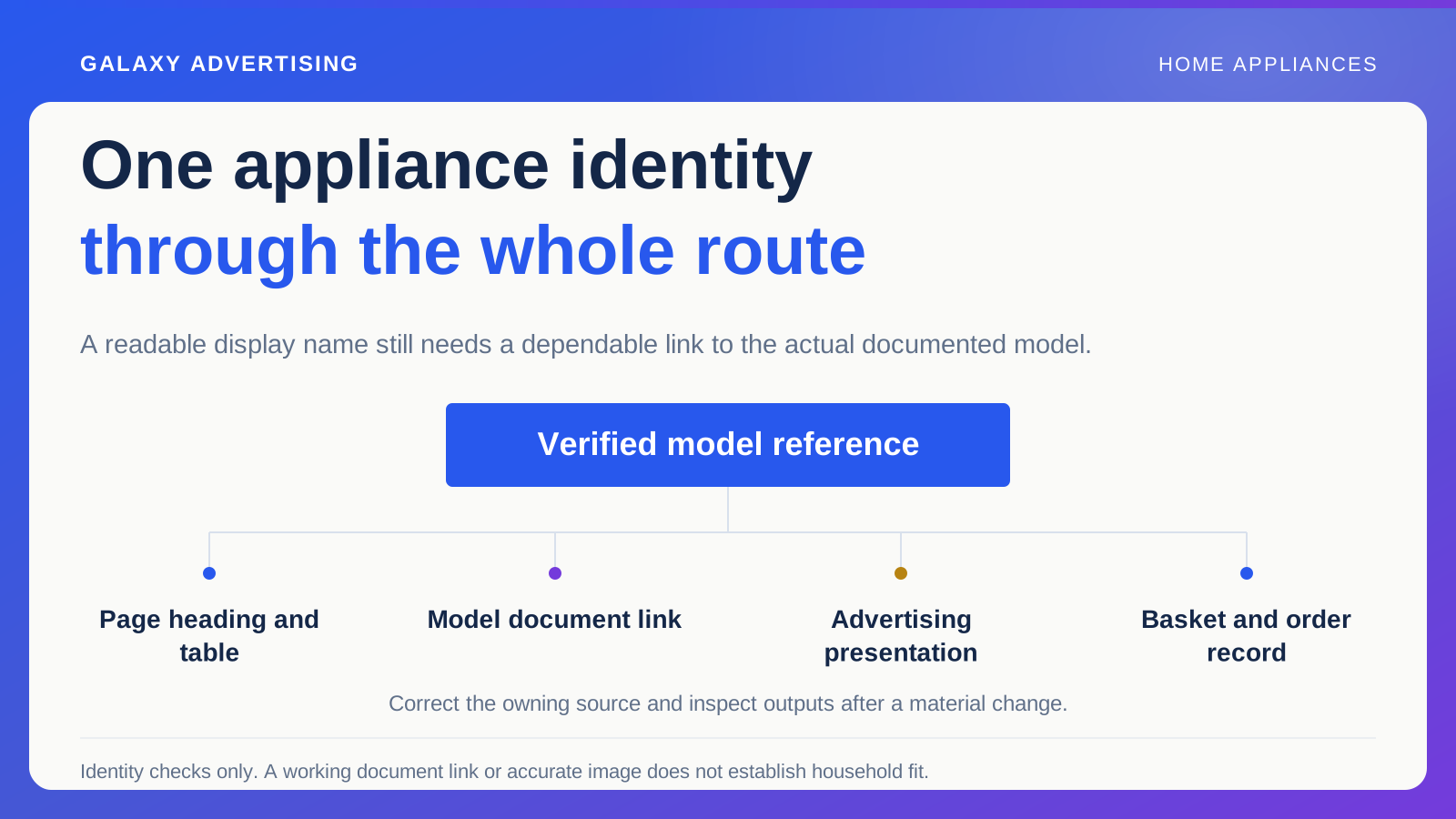
Identify the manufacturer's model reference and the matching item record in your own system. Ask the product owner about suffixes, versions and package distinctions. Do not discard them simply because a shorter heading looks tidier.
You can still use a readable display name. Just retain the full reference where customers need it, so a convenient label does not conceal which documented product you are selling.
Follow that reference into connected outputs, including advertising data, basket descriptions and order confirmations. Similar names do not prove identical products. You need a stable reference connecting the customer route to the operational record, otherwise apparently small differences remain difficult to investigate. Your team should be able to point to the same item at every step.
Tell people which dimensions they are reading
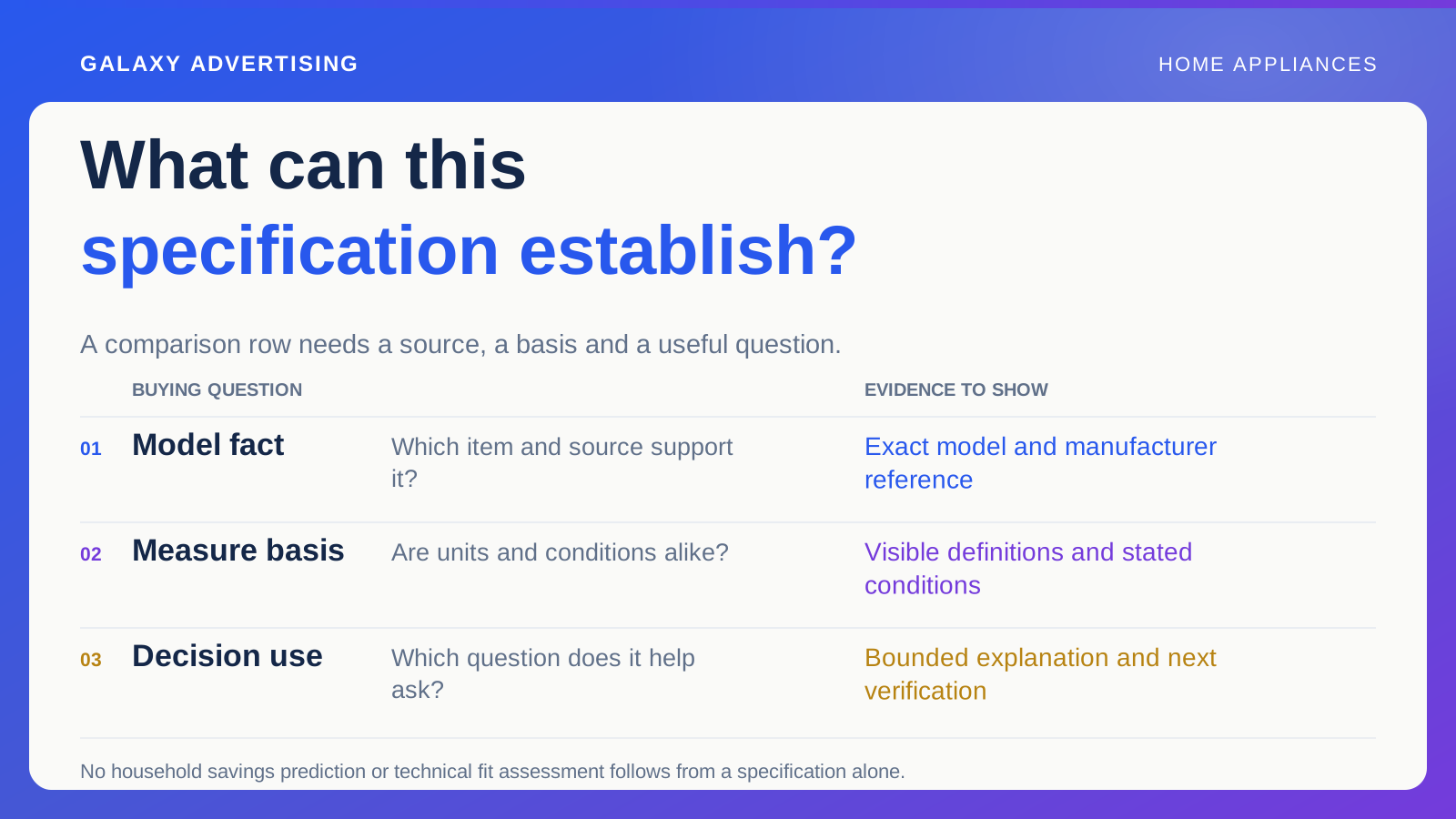
Appliance dimensions, packaged dimensions and installation or clearance information specific to the model answer different questions. Label them accordingly. A set of numbers can be technically accurate and still mislead in practice if nobody can tell what was measured.
Use the relevant manufacturer records as the authority for technical requirements. Provide a clear route to them and an appropriate response process for unresolved questions. That is different from improvising an assessment of a customer's household arrangement.
Check diagrams too, both their labels and the products represented. A decorative drawing only becomes a useful reference when its facts match the actual item. Attractive arrows cannot turn approximate artwork into a measurement guide, however professional the finished page looks.
Check what each document covers
Identify each relevant manual, specification or other manufacturer document, along with the model or versions it covers. A link opening successfully tells you the file is accessible. It does not establish that it is the right file.
Make the label useful to somebody deciding what to open. Download gives little direction, especially where several documents concern different aspects of the purchase. Help the reader recognise what each one is for.
Record who replaces obsolete references. Documents can sit in a shared folder long after a model page has changed. Maintenance needs an explicit connection between the document, its source and the current offer. Relying on the original editor to remember every connection makes the next change harder than it needs to be.
Separate product facts from your service
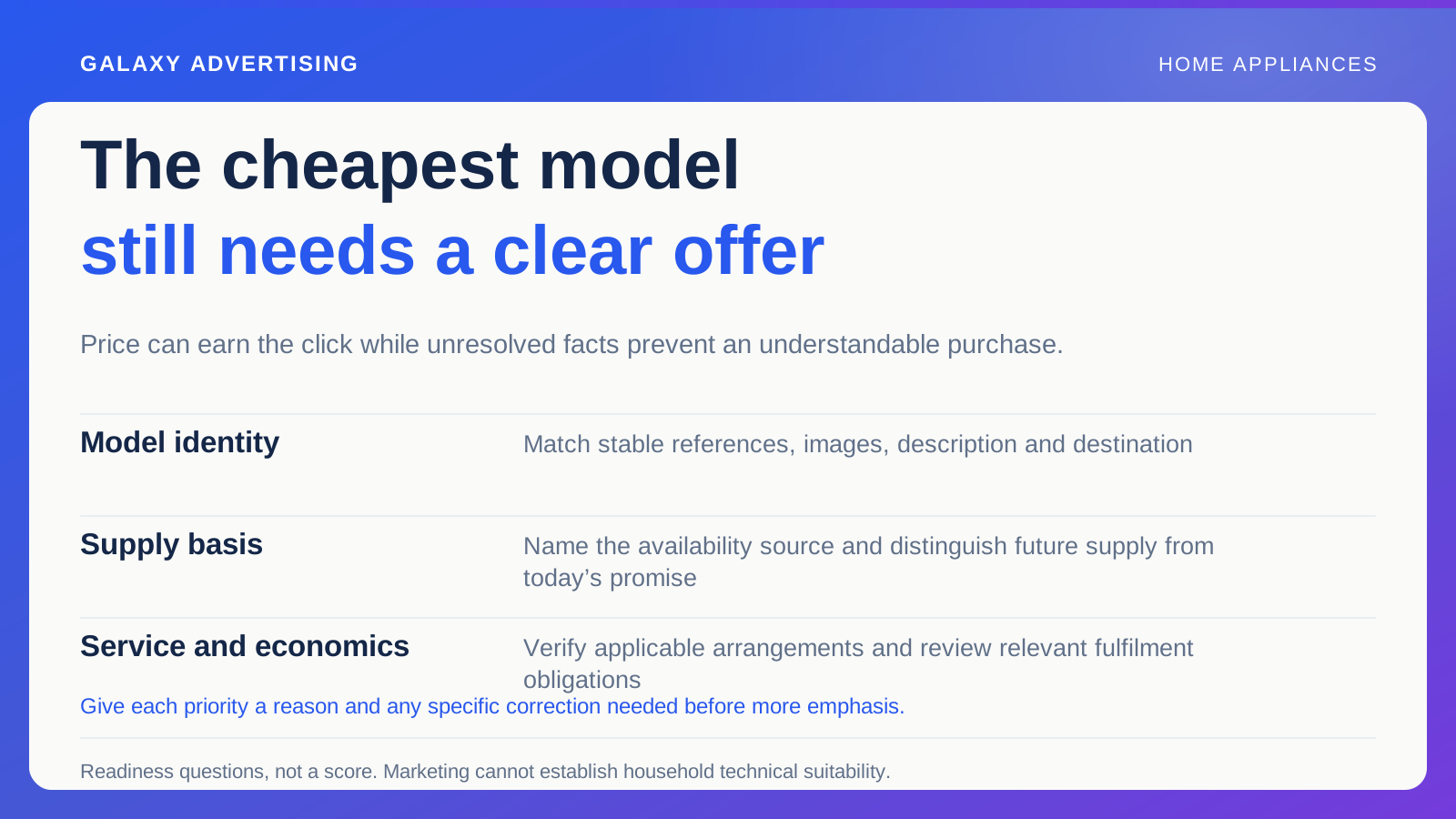
Manufacturer product information and your delivery, optional installation or other retail arrangements need distinct treatment. A manual will not explain every commercial service you offer. A service banner will not establish technical compatibility either.
Use plain headings so customers can find both kinds of information. Someone checking documented requirements should not have to interpret a promotional paragraph promising a seamless experience to work out where the facts begin.
Where a service has conditions, point to its actual approved explanation. Offering an optional service does not establish that every household arrangement can be accommodated. Your page should help customers obtain further verification when needed. It should not quietly imply that verification is unnecessary because a service happens to appear beside the product.
Treat the pictures as information too
Verify that main images and detail views show the stated model and included components. Similar appliances can make a wrong image surprisingly hard to spot unless you have the reference beside it.
Keep visual editing within factual boundaries. A generated room scene can change controls, dimensions or the apparent relationship with surrounding furniture. When people use an image to judge suitability, accuracy to the model matters all the more.
Make the distinction between illustrative context and technical representation clear. A room scene can help somebody understand appearance without establishing that the appliance will fit their own setting. The documented requirements remain a separate reference. A convincing picture should not be asked to answer a question it cannot establish.
Follow the correction beyond the paragraph
Find the record that owns a disputed fact and correct it there where appropriate. Editing a downstream paragraph can leave the same error in a feed, another page or a saved customer response.
Trace one model through the change. Inspect the heading, table, document link, basket and relevant promotional route. Note where the old reference persists and send that specific output to the person who can resolve it.
Keep the response proportionate. A factual discrepancy requires a verified answer and a maintained route, rather than necessarily a complete website redesign. Know what changed and what evidence shows that the customer now sees the intended model.
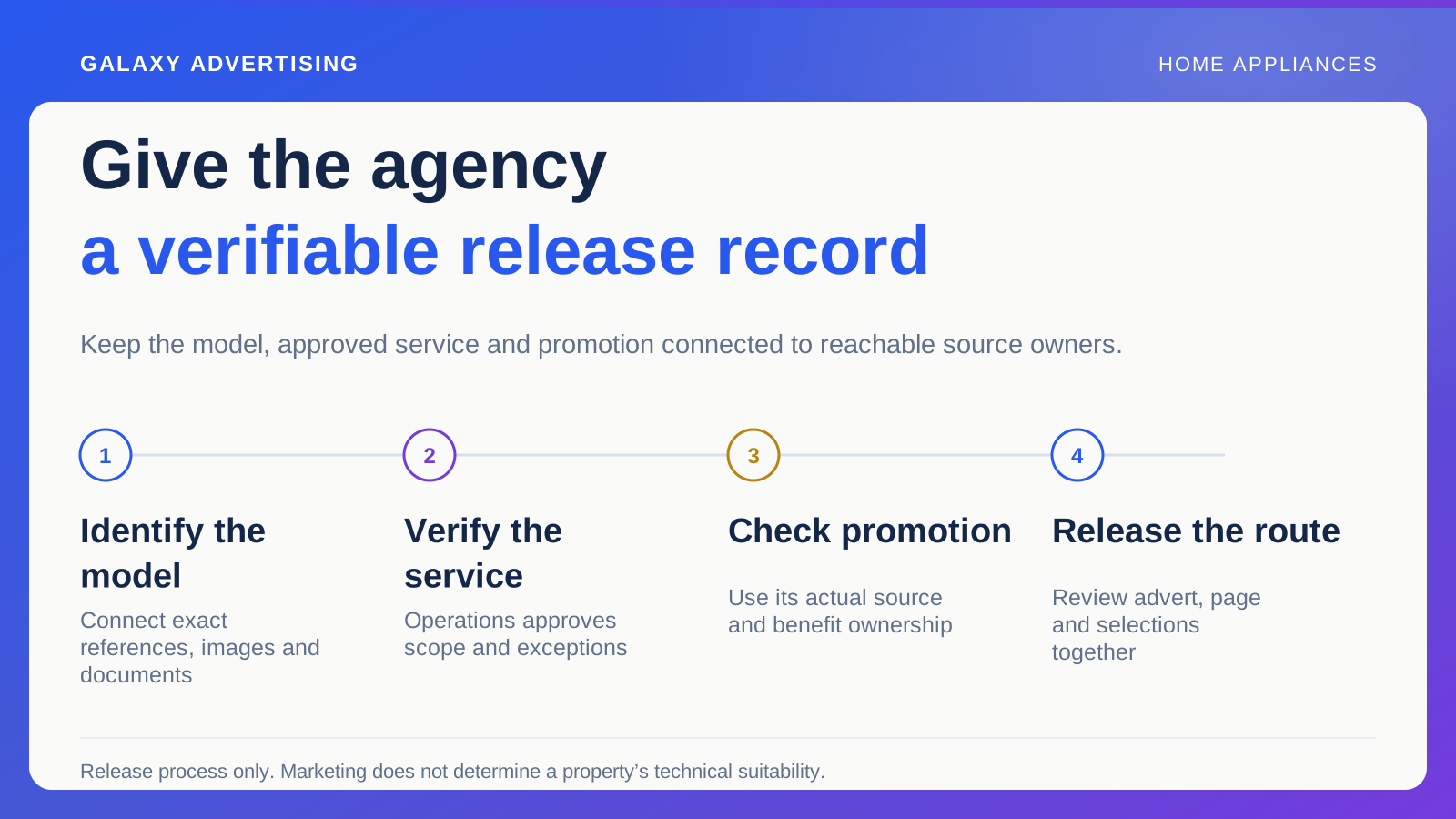
For a useful release test, have a reviewer follow the model from an advert to its page, open the labelled specification and identify the item in the basket. Each step should remain connected to the same record. If the document covers a family of products rather than one item, keep that scope visible.
This does not establish suitability for the household. It checks whether authoritative information is identifiable enough for the customer to recognise which further questions need a manufacturer answer or an appropriately qualified assessment.
Make clarity part of releasing a model
Before promotion, ask an unfamiliar reviewer to identify the model, find its documents and distinguish product facts from the retailer's service offer. Their answer can reveal ambiguities your catalogue team has become too familiar with to notice.
Repeat the exercise after a material model or source change. Earlier approval does not prove that a replacement image or updated page still uses the same verified reference.
The useful promise of a strong appliance page is reliable inspection. Your customer knows which item they are looking at, what the labels mean and where authoritative answers can be found. That gives them firmer ground for a purchase than another paragraph trying to persuade them about an appliance they cannot quite identify.